
Meet Locy.
Your Personal AI.
Your AI experience, made simple. Choose your models, run supported ones on your own device, and take Locy with you.
Already using Locy? Make a Locy card and send it to someone. Or read what is actually inside the app.
Download Locy
Windows and Android are separate downloads. Pick the one for your device.
Installing on Windows
- Open the Microsoft Store page for Locy.
- Press Get — the Store installs and updates it for you.
- Launch Locy and pick a model to download.
Installing on Android
- Download the APK.
- If Android asks, allow installs from your browser.
- Open the file, install, then launch Locy and pick a model.
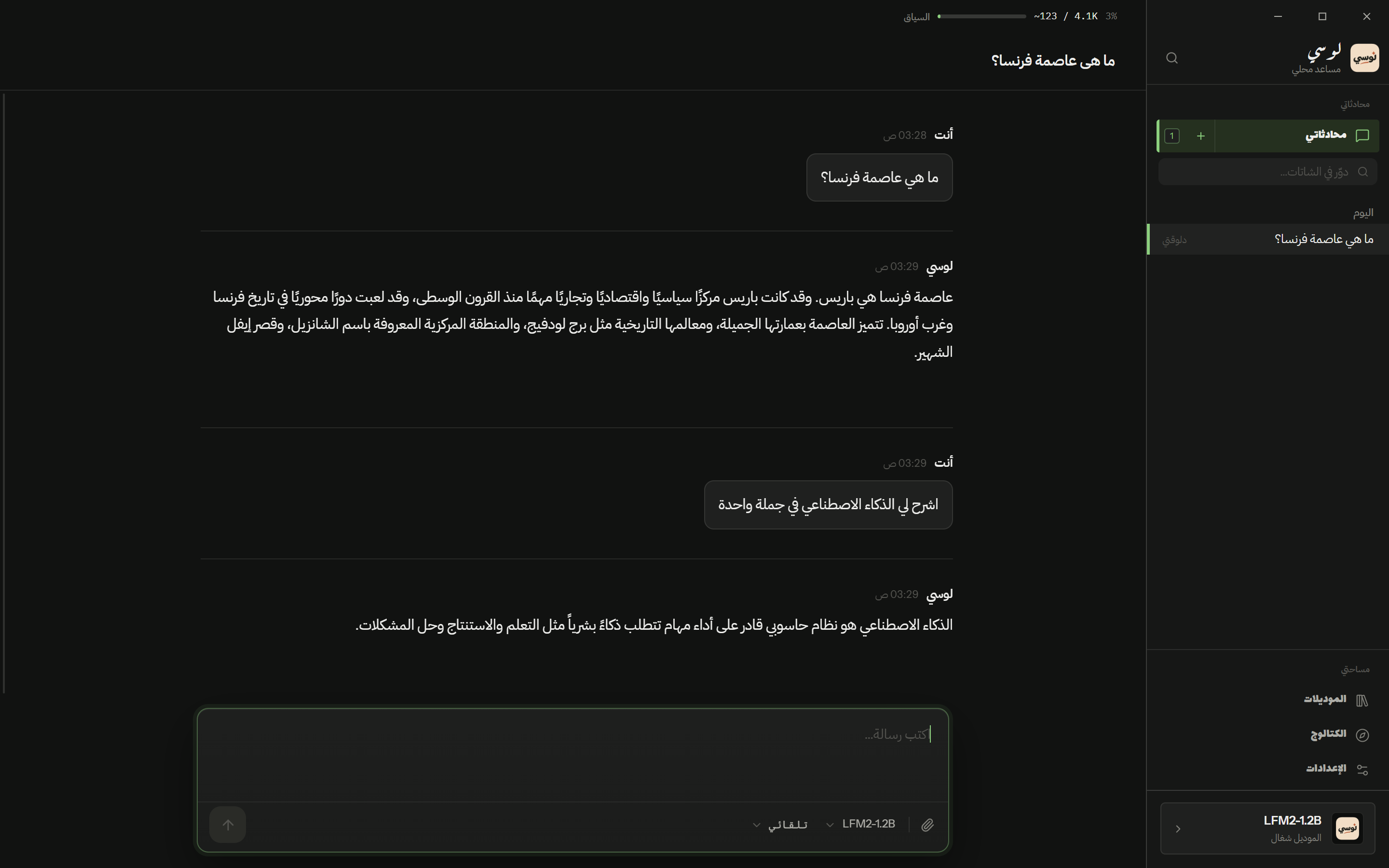
What it looks like
Screenshots from the Windows and Android apps. Click any one to enlarge.
What Locy does
Up and running in three steps
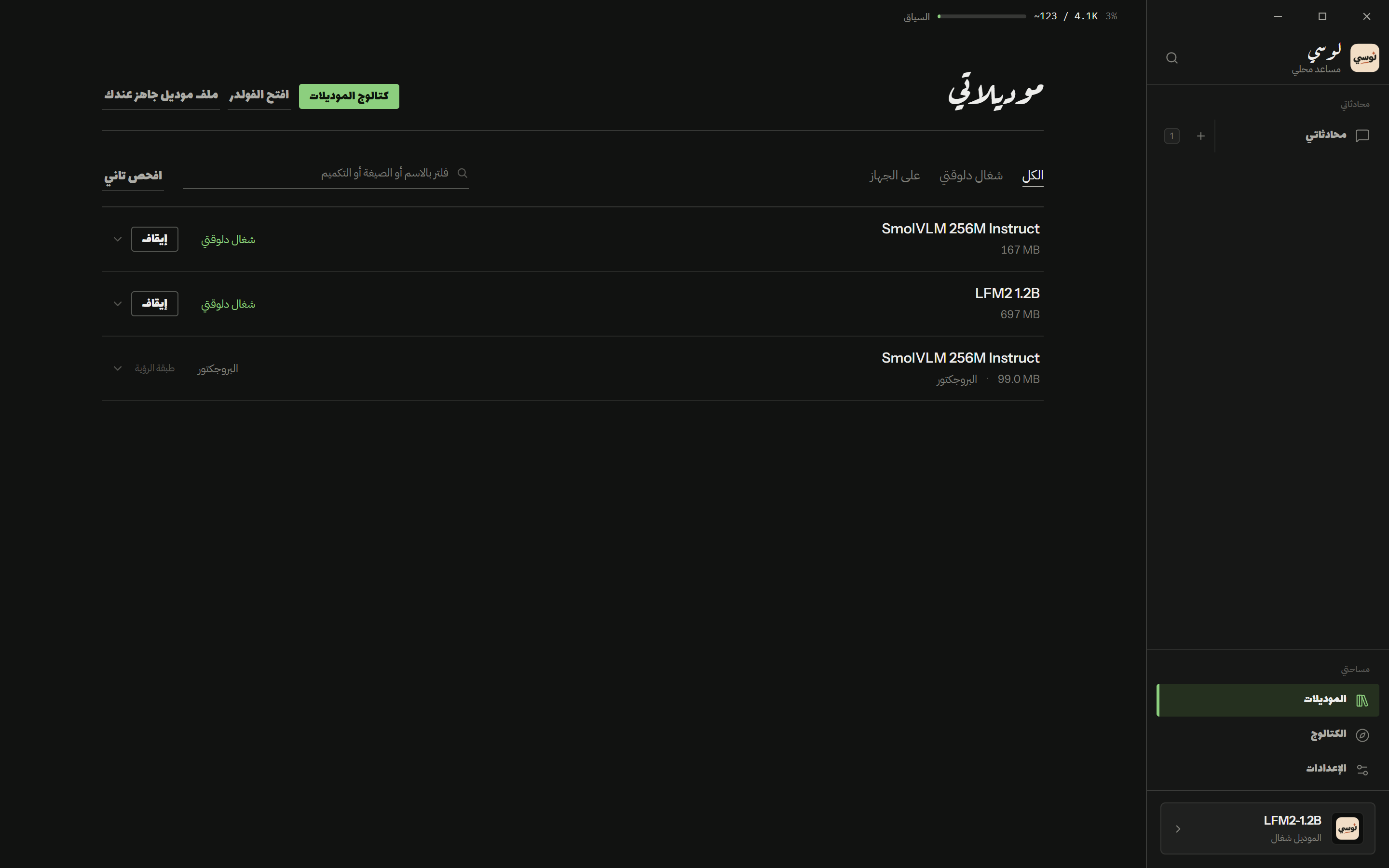
Get Locy
Install it from the Microsoft Store.
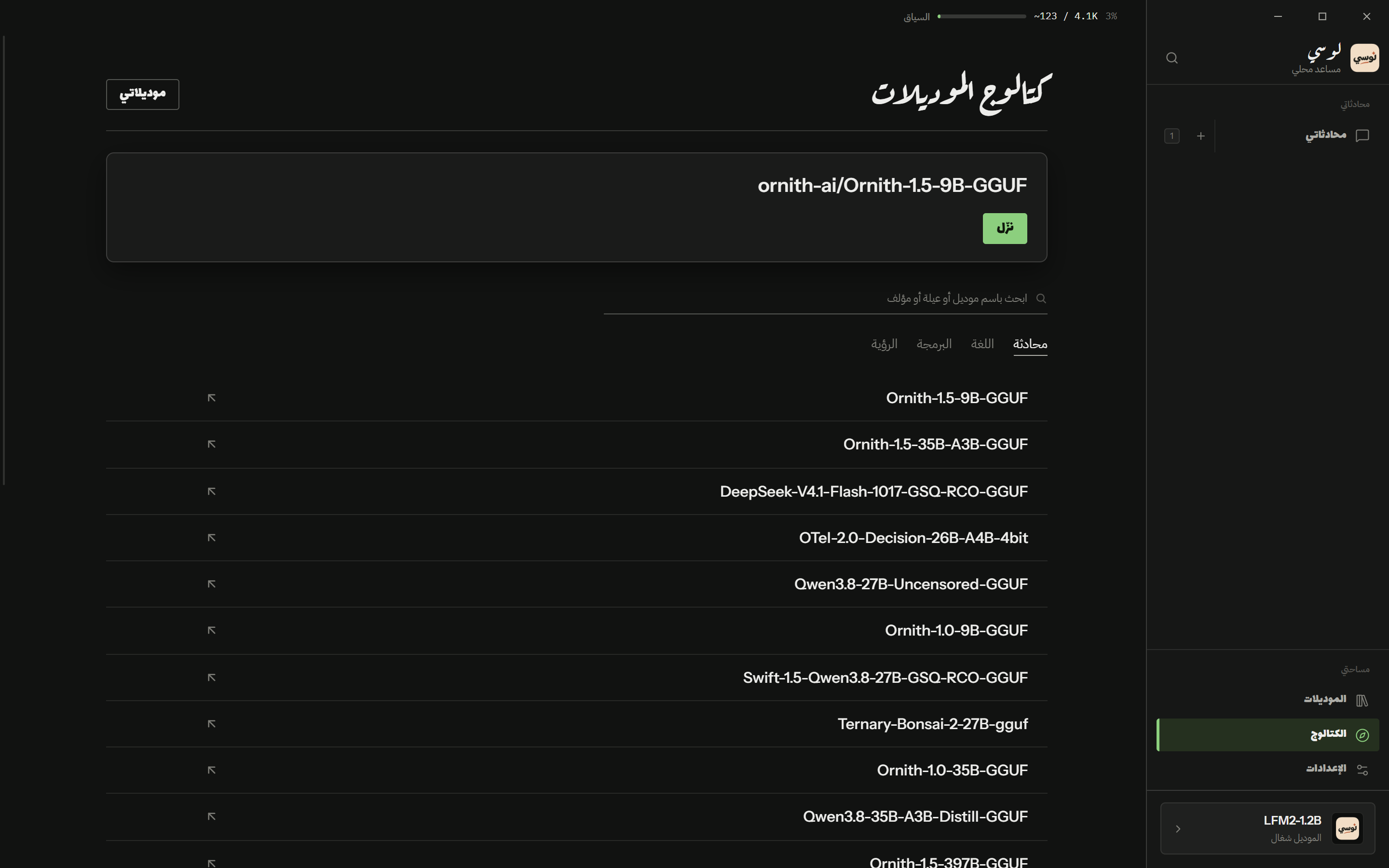
Choose a model
Browse the catalog, or add a model file you already have.
Start chatting
Load a model and send your first message.
Your AI Experience. Your Control.
Locy can run supported models on your own device, so chats with a local model are processed on your machine.
- Once a model is downloaded, it runs locally.
- Browsing the catalog and downloading models needs an internet connection.